
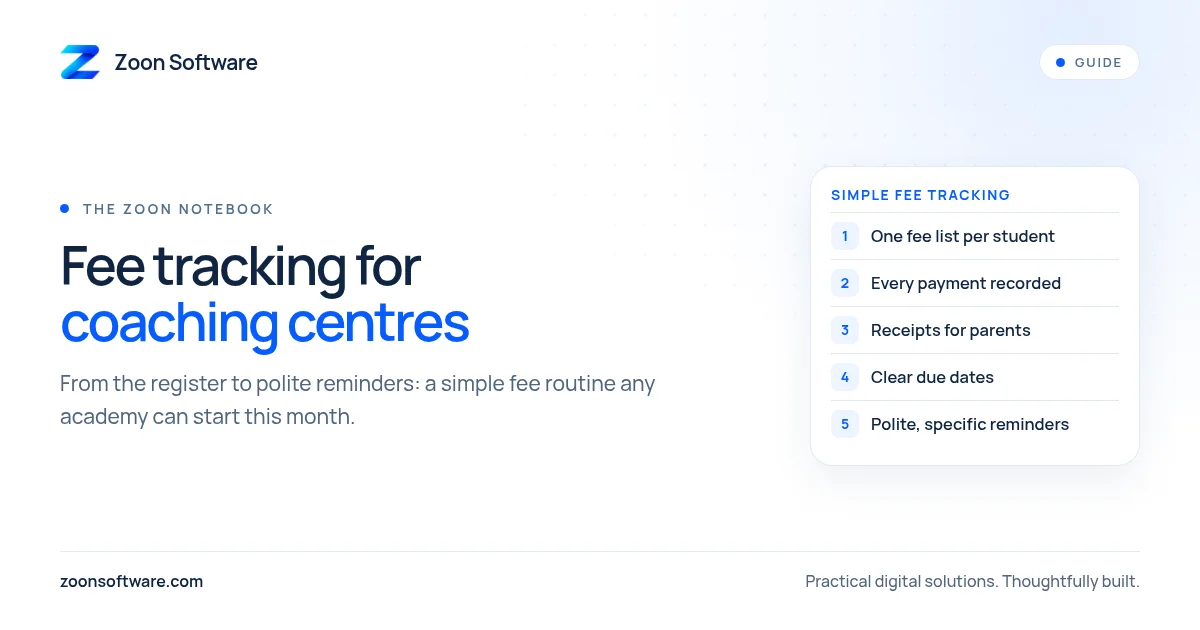
Running a coaching centre or academy is mostly about teaching. But behind every class there is a quieter job that takes a lot of energy: collecting fees. Many centres still track fees in a register or a notebook, with a teacher or the owner writing down who paid, who promised to pay next week, and who has not been seen at the front desk for a while.
This works when you have a few batches. As the centre grows, the register starts to cause problems. Payments get missed, parents remember things differently, and the owner spends evenings flipping through pages instead of planning classes. This guide explains where fee tracking usually goes wrong, and how to move from a register to a simple system with polite reminders, step by step.
Where fee tracking usually goes wrong
Most fee problems are not about parents refusing to pay. They come from small gaps in record keeping:
- No single list of who owes what. Fees are written in different places: the main register, a teacher's diary, a WhatsApp chat with a parent.
- Partial payments are hard to follow. A parent pays half now and half later, and the second half is easy to forget, on both sides.
- Discounts and sibling concessions are not written down. Someone agreed to a lower fee months ago, but nobody remembers the exact amount.
- No receipts. Without a receipt, a parent who says "I already paid" is hard to answer politely.
- Reminders depend on mood and memory. Sometimes nobody reminds anyone. Sometimes a reminder goes to a family who has already paid, which is embarrassing.
None of this means your team is careless. It means the register was built for a smaller centre than the one you run now.
Step 1: Make one fee list for every student
Start with one list that everyone uses. For each student, record:
- Name, class or batch, and the parent's phone number
- The agreed monthly fee, plus any discount and the reason for it
- The date fees are due each month
- Every payment: date, amount, and who received it
- The balance still due
This can be a clean register, a spreadsheet or proper software. What matters is that there is only one list, and that it is the place everyone checks before saying anything to a parent.
Step 2: Write every payment the same way
Decide on one simple routine for receiving fees. For example: the payment is entered in the list immediately, a receipt is given (paper or a WhatsApp message), and the balance is updated before the parent leaves.
When every payment is handled the same way, you stop having "I'm sure he paid" conversations. If a parent ever questions a balance, you can show the dates and amounts calmly, without guessing.
Step 3: Agree on due dates and a grace period
Many centres say "fees are due at the start of the month" but never say what happens after that. Pick a clear due date and a short grace period, and tell parents at admission time. Put it on the admission form and in your welcome message.
Clear rules make reminders feel normal rather than personal. You are not chasing one family; you are following the same routine for everyone.
Step 4: Send reminders that are polite and specific
A good fee reminder is short, friendly and exact. It mentions the student's name, the month, the amount due and how to pay. For example:
"Assalam o Alaikum, this is a gentle reminder that the fee for Ahmed (Class 9, evening batch) for November is due. If you have already paid, please ignore this message. Thank you."
Send a reminder a few days before the due date, and another soon after the grace period ends. Because you are working from one up-to-date list, you only message families who actually have a balance. That alone removes most of the awkwardness.
Step 5: Look at the fee picture once a week
Set aside a few minutes each week to look at three things:
- Which students have a balance after the grace period
- Which payments were received this week
- Any new discounts or changes that were agreed
This short review helps you spot problems early, while they are still small, instead of discovering at the end of the term that several families are months behind.
When to move from a register to software
A register or spreadsheet can carry you a long way if you use it consistently. You may be ready for simple software when:
- You have several batches, teachers or branches
- More than one person collects fees
- You spend a lot of time preparing reminders by hand
- You want parents to receive receipts and reminders automatically
- You want to see attendance, results and fees for a student in one place
Good fee software does not need to be complicated. It should let you add students and batches, record payments with receipts, show balances at a glance, and send reminders, with separate logins so that front desk staff only see what they need.
A simple way to start this month
You do not need to change everything at once. This month, create the single fee list. Next month, add receipts and a standard reminder message. After that, decide whether a spreadsheet is still enough or whether it is time for a small system built around how your centre works.
At Zoon Software we build simple management systems for small businesses, including record keeping, billing and reminders. You can see the kind of work we do on our work page. Our demos there, such as the ShopZoon ledger and sales demo, use sample data only, but they show how payments, balances and staff access can be organised clearly.
If you run a coaching centre or academy and would like to talk through your fee process, write to us at contact@zoonsoftware.com or use our contact page. We are happy to listen first and suggest the simplest option that fits.