Excel is one of the most useful tools a small business can have. Many clinics, property offices, shops and coaching centres in Pakistan start with a spreadsheet, and that is a sensible choice. It costs little, everyone knows the basics, and you can set it up in an afternoon.
But a spreadsheet that worked well with one person and fifty rows can quietly turn into a problem with five people and five thousand rows. The trouble is that this happens slowly, so most owners only notice when something goes wrong: a double-booked patient, a buyer nobody called back, or an udhaar balance the customer disputes.
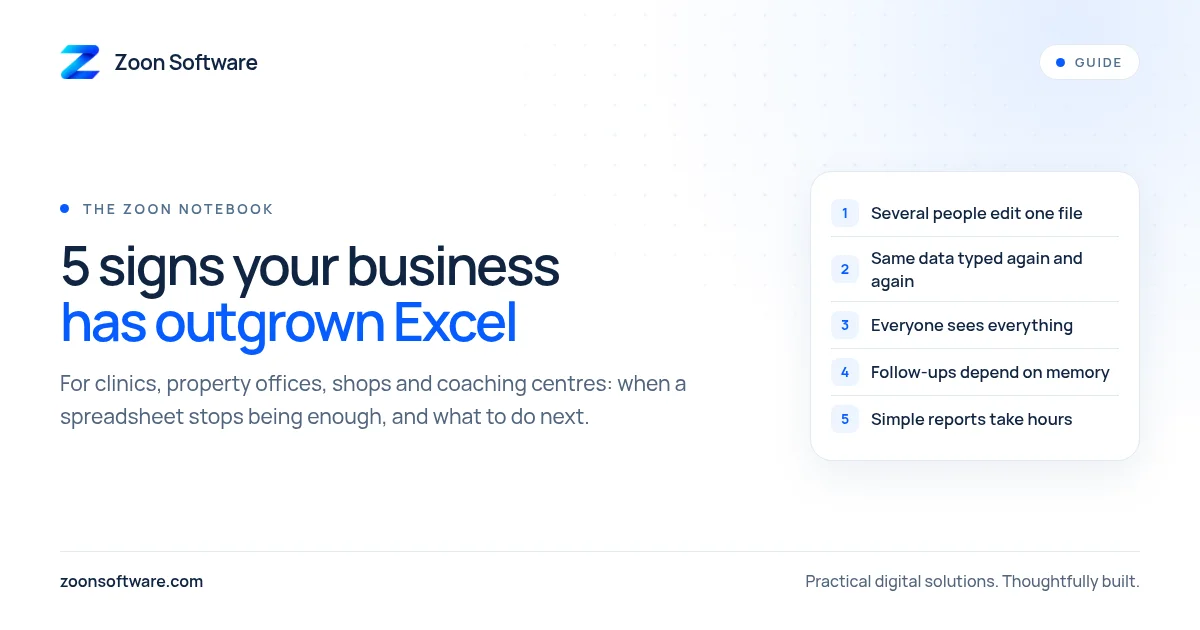
Here are five practical signs that your business may have outgrown Excel, and what to do about each one.
1. Several people edit the same file, and nobody trusts the latest version
It starts with one file on the owner's laptop. Then the receptionist needs it, so it goes on WhatsApp. Then the accountant gets a copy by email. Soon there is "Appointments FINAL", "Appointments FINAL (2)" and "Appointments new Asif".
Shared spreadsheets in the cloud help, but they still let anyone overwrite anyone else's work, and it is hard to see who changed what.
What management software changes: everyone works in one system, at the same time, and each change is saved against a person and a time. There is no "latest version" to hunt for, because there is only one.
2. You are typing the same information again and again
Look at how a single customer moves through your business. At a clinic, a patient's name and phone number might be written in the appointment register, typed again into a billing sheet, and copied once more into a follow-up list. At a property office, the same buyer's details may sit in a lead sheet, a WhatsApp chat and a visit diary.
Every time the same detail is typed again, there is a new chance for a spelling mistake or a wrong digit in a phone number, and it costs your staff time they could spend with customers.
What management software changes: you enter a record once, and every screen that needs it (appointments, invoices, reminders, reports) uses that same record.
3. Different staff should see different things, but a spreadsheet shows everyone everything
In Excel, if someone can open the file, they can usually see all of it. That becomes uncomfortable quickly:
- A cashier at a shop does not need to see purchase prices, profit or expenses.
- A receptionist at a clinic should manage appointments, but perhaps not change doctors' fees.
- A junior agent at a real estate office may only need their own leads.
- A teacher at a coaching centre may need attendance, but not the full fee ledger.
You can password-protect sheets or keep separate files, but that brings you straight back to sign number one.
What management software changes: each person logs in with their own account and a role, such as admin, receptionist or cashier, and sees only what that role allows. If someone leaves, you switch off their access without changing every password.
4. Reminders and follow-ups depend on someone remembering
A spreadsheet stores information. It does not act on it. Excel will not remind a patient about tomorrow's appointment, tell you that a buyer was promised a call on Thursday, warn you that rice is about to run out, or nudge a parent whose fee is overdue.
In many small businesses, all of this lives in one busy person's head. When that person is on leave or simply having a hectic day, follow-ups slip, and customers notice.
What management software changes: follow-up dates, low-stock alerts and unpaid balances show up on a dashboard automatically. A good system can also prepare the reminder for you, for example a pre-written WhatsApp message to the customer that staff send with one tap.
5. Answering a simple question takes an evening of filtering and adding up
"How much did we bill this month, and how much is still unpaid?" "Which agent closed the most deals?" "What did the shop actually earn this week after expenses?"
These are simple questions, but in a large spreadsheet they often need filters, formulas and a careful hour or two. Formulas also break quietly. One wrong cell reference, and the total looks reasonable but is wrong.
What management software changes: reports are built in. Today's appointments, this month's revenue, unpaid bills and stock levels are on the home screen, calculated the same way every time.
Does this mean you should stop using Excel?
No. Excel is still excellent for one-off analysis, budgeting and planning. The question is not "Excel or software?" but "which jobs should not live in a spreadsheet any more?"
A useful rule of thumb: if a process involves several people, repeats every day, involves customers' money or information, or needs reminders, it is a good candidate for a simple management system.
How to move without disrupting your business
Switching does not need to be a big, risky project. A sensible approach looks like this:
- Start with the most painful process. For a clinic this is often appointments and billing. For a shop it may be stock and udhaar. For a property office it is usually lead follow-up.
- Keep the first version small. Build only what your team uses every day, then add features once people are comfortable.
- Import your existing data. Your current spreadsheets are valuable. Most of that data can be cleaned up and brought into the new system, so nobody starts from zero.
- Make it work on a phone. In many businesses, owners and staff check things on their phones far more than on a computer.
- Train people in their own words. A short, practical walkthrough for each role matters more than a long manual.
See what this looks like in practice
To show what a simple system can do, we built three working demo products with sample data. They are not client projects, but you can log in and click through them:
- MediZoon: appointments, patient records, billing and WhatsApp reminders for clinics.
- EstateZoon: property listings and a lead pipeline with follow-up dates for real estate offices.
- ShopZoon: point of sale, stock and an udhaar ledger for shops.
You can read more about each one on our Work page.
Not sure where to start?
If you recognise two or more of these signs in your business, it may be time to move at least one process out of Excel. You do not need to know the technology. Just tell us how your team works today and what keeps going wrong.
Write to us at contact@zoonsoftware.com or use our contact page. We will help you work out whether a small, focused system makes sense for you, or whether a better spreadsheet will do the job for now.