
Many small business owners think of software like a signboard: you pay for it once, put it up, and it keeps working forever. So when a developer mentions "maintenance" after launch, it can sound like an extra charge for nothing.
In reality, a website, a clinic system or a shop POS is closer to a generator or a delivery bike. It works hard every day, the world around it keeps changing, and a little regular care stops small problems from turning into a bad day. This guide explains, in plain language, why software needs looking after, what good maintenance should cover, and how to agree on it before you sign anything.
Why software that works today can break tomorrow
Your code may not change, but almost everything around it does:
- Browsers and phones update. Chrome, Safari and Android update themselves regularly. Now and then an update changes how a page behaves, and a button or form that worked last month suddenly looks wrong.
- Outside services change. If your system sends SMS or WhatsApp messages, takes online payments or shows a map, it depends on another company's service. Those companies change their rules, prices and connection methods, and your system has to keep up.
- Security problems are found. The building blocks most software uses are improved all the time, and many updates exist to close security holes. Software that is never updated slowly becomes an easier target.
- Your data grows. A system that feels fast with a few months of records can slow down after a few years of patients, sales or students if nobody keeps an eye on it.
- Your business changes. You add a new branch, a new fee plan, a new product category or a new staff role. The software should grow with you instead of forcing you back to paper and Excel.
None of this means the software was badly built. It simply means software lives in a moving world.
What good maintenance should cover
When you discuss maintenance with a developer or agency, ask what is included. A sensible plan for a small business usually covers these areas.
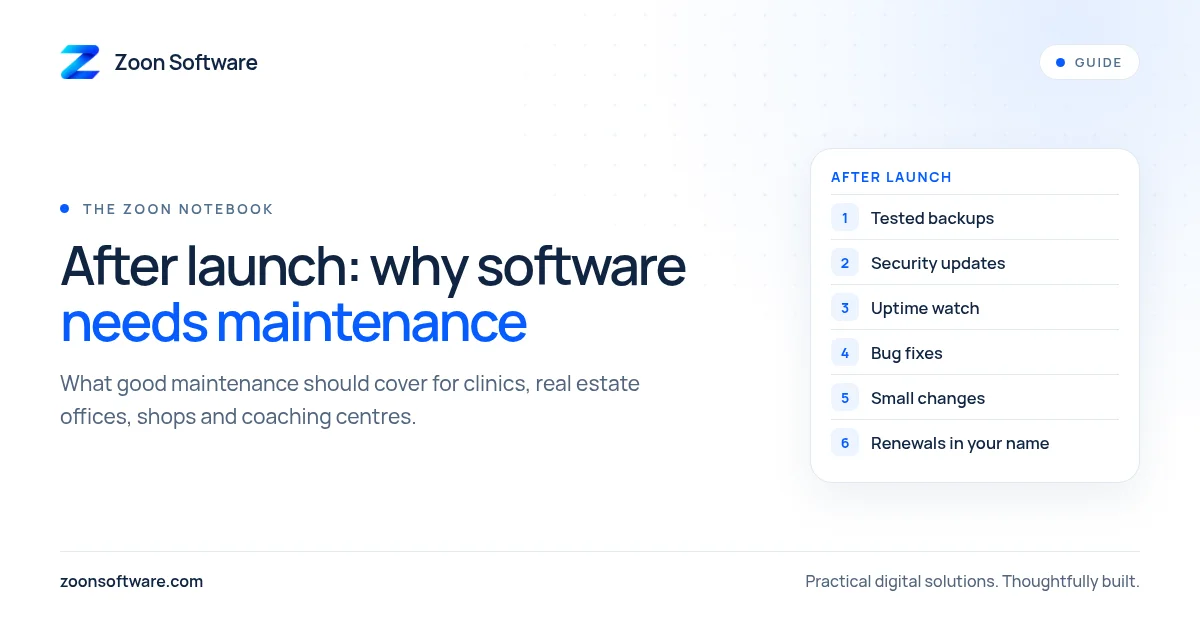
1. Backups you can actually restore
Your records are the most valuable part of any system. Ask how often backups are taken, where they are stored, and, most importantly, whether a restore has ever been tested. A backup nobody has tried to restore is only a hope.
2. Security and software updates
Someone should regularly update the parts the system is built on, renew security certificates (the padlock in the browser), and remove old staff accounts. This is quiet, unglamorous work, and it is the work that prevents the worst surprises.
3. Keeping the lights on
Somebody should notice if your website or system goes down, ideally before your customers do. Ask who is watching, how you will be told, and what happens if it stops working on a Friday evening.
4. Fixing bugs
Every system has small bugs that only show up with real use, such as a report that rounds a total oddly or a form that rejects a valid phone number. Agree how you report a bug (WhatsApp, email or a simple form), and roughly how quickly urgent and non-urgent issues will be looked at.
5. Small changes and improvements
New fields, a changed receipt layout, an extra report for the owner. Decide whether small changes are included in the plan, billed by the hour, or quoted one by one. Clear rules here prevent arguments later.
6. Hosting, domain and accounts
Make sure you know where the system is hosted, when the domain and hosting renew, and who pays. Many websites have gone offline simply because a renewal email went to someone who had left. The accounts should be in your business's name, with your developer given access, not the other way round.
Questions to ask before you sign
Bring these to your first meeting with any software company:
- What exactly is included after launch, and for how long?
- How often are backups taken, and when was a restore last tested?
- Who will I contact when something breaks, and how?
- How quickly do you respond to urgent and non-urgent problems?
- How are small changes handled and charged?
- Who owns the code, the data and the hosting accounts?
- If we stop working together, how do I get my data and code?
A good developer will be happy to answer these in writing. If the answers are vague, that tells you something too.
A simple monthly routine for owners
Even with a maintenance plan in place, a few minutes a month on your side helps a lot:
- Open your website on your own phone and try the main buttons and the contact form.
- Check that last month's records are all there and the totals make sense.
- Remove access for anyone who has left your team.
- Note any small annoyances your staff mention, and send them to your developer in one list.
- Check the renewal dates for your domain and hosting.
How we think about it at Zoon Software
We build websites, management systems and apps for small businesses such as clinics, real estate offices, shops and coaching centres, and we believe the launch is the start of the work, not the end. You can see the kind of systems we build in our demos: MediZoon for clinics, EstateZoon for real estate offices and ShopZoon for shops. These are demos with sample data, so feel free to click around. You can also read more about each one on our work page.
If you already have a system that nobody is looking after, or you are planning a new one and want to get maintenance right from day one, we are happy to talk it through. Email us at contact@zoonsoftware.com or use our contact page. No pressure, just an honest conversation about what your business needs.