
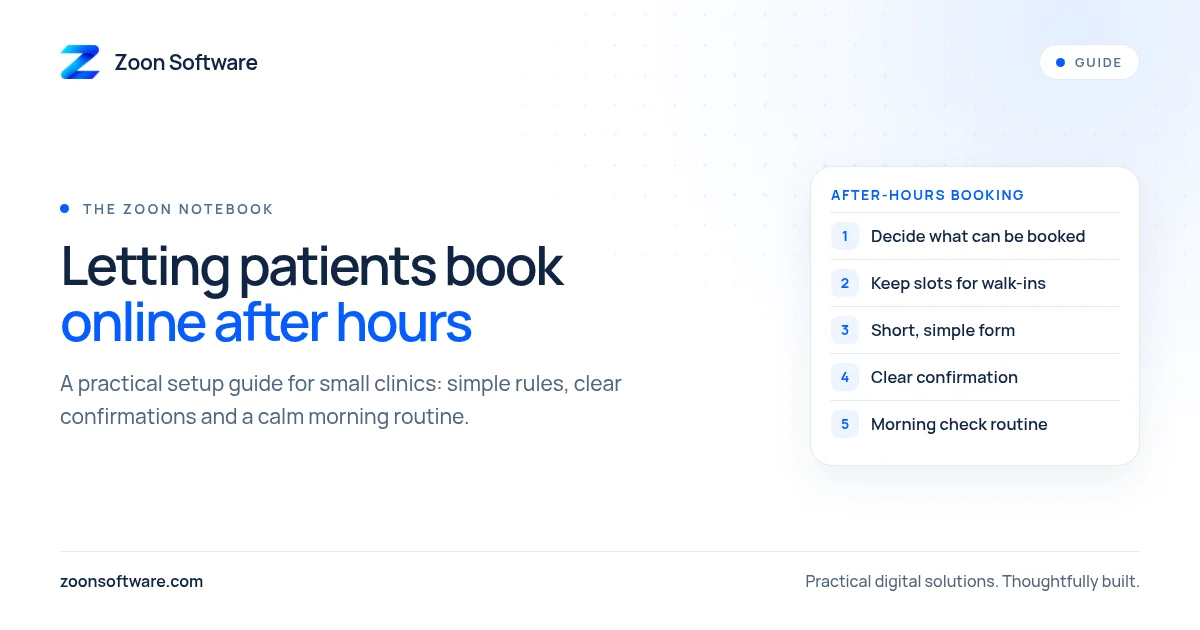
Most clinics close their front desk in the evening, but patients do not stop needing appointments. Someone feels unwell at night and wants to see a doctor tomorrow. A parent remembers, after the children are asleep, that a follow-up visit is due. A working person only gets time to plan their week late in the evening. If the only way to book is to call during clinic hours, many of these people will either forget, call another clinic, or simply walk in at the busiest time.
Letting patients book online after hours is one of the simplest ways to make your clinic easier to reach. It does not need to be complicated or expensive. Here is a practical guide to setting it up in a way that works for a small clinic.
Why after-hours booking matters
Your receptionist can only answer one call at a time, and only while the clinic is open. Online booking works quietly in the background. It gives patients a way to reach you when it suits them, and it gives your staff a clearer picture of the next day before they even arrive.
It also reduces some everyday stress. Fewer phone calls during busy hours means the receptionist can focus on the patients standing in front of them. And when bookings are written down in one system instead of scattered across a diary, WhatsApp chats and sticky notes, double bookings become much less likely.
Step 1: Decide what patients can book
Before choosing any tool, decide the rules. Keep them simple at the start:
- Which doctors accept online bookings? You might start with one or two doctors rather than everyone.
- Which types of visit can be booked online? A regular consultation or follow-up is easy. Procedures that need preparation may be better handled by phone.
- How long is each slot? Use the time your doctors actually spend per patient, not an ideal number.
- How far ahead can patients book? A week or two is usually enough.
Writing these rules down first saves a lot of confusion later.
Step 2: Keep some slots for walk-ins and phone calls
Many patients in Pakistan still prefer to call or walk in, and that is fine. Do not open your entire day to online booking. Keep a portion of each doctor's schedule for walk-ins, emergencies and phone bookings. You can adjust the balance later once you see how patients use it.
Step 3: Ask only for the information you need
A long form puts people off, especially on a phone screen. For most visits, you only need:
- Patient name
- Mobile number
- Preferred doctor and time slot
- A short reason for the visit (optional)
You can collect the rest of the details when the patient arrives. Be careful with sensitive medical information. If the booking form does not need it, do not ask for it.
Step 4: Send a clear confirmation
A patient who books at night should not be left wondering whether it worked. Send a confirmation by SMS, WhatsApp or email with the date, time, doctor's name and clinic address. A short reminder the day before helps too. It is polite, and it gives the patient an easy way to cancel or change the time if their plans have changed, which frees the slot for someone else.
Step 5: Make the morning check part of the routine
Online booking only works if the clinic acts on it. Each morning, the receptionist should open the day's list, check new bookings that came in overnight, and confirm anything unusual, such as a booking for the wrong doctor or a reason that needs a longer slot. This takes a few minutes and keeps everyone on the same page.
The doctor can also see the day's schedule at a glance instead of asking the front desk how many patients are waiting.
Step 6: Tell patients it exists
A booking page nobody knows about will not help. Share the link in places patients already look:
- Your Google Business Profile
- Your clinic's Facebook page and WhatsApp status
- Your website's home page and contact page
- A small printed card or poster at the reception desk
Tell regular patients about it when they visit. Many people are happy to use it once they know it is there.
Common mistakes to avoid
- Showing slots that are not really free. If the receptionist books by phone in a separate diary, online bookings will clash. Keep all bookings in one place.
- Forgetting holidays and doctor leave. Block these days in advance so patients cannot book them.
- No way to cancel. Give patients a simple way to cancel or reschedule, even if it is just replying to a message.
- Making it too complicated. Start small, learn from real use, and add features only when you need them.
What kind of system do you need?
Some clinics start with a simple shared calendar or a booking form. That can work for a single doctor. As the clinic grows, a proper clinic management system becomes more useful, because appointments, patient records, billing and daily reports all live in one place and stay in sync.
If you would like to see what this can look like, try our MediZoon clinic management demo. It is a demo with sample data, built to show how a small clinic can manage appointments, patients and daily work in one system. You can also read more about it on our work page.
A small step that makes a real difference
After-hours booking is not about replacing your receptionist or changing how your clinic works overnight. It is about giving patients one more easy way to reach you, and giving your team a calmer, more organised start to each day.
If you are thinking about adding online booking to your clinic, or want a system built around how your clinic actually works, we would be happy to talk. Email us at contact@zoonsoftware.com or reach us through our contact page.