Every clinic knows the feeling. The appointment diary is full, the doctor is ready, and then a patient simply does not come. Nobody called to cancel. The slot sits empty while another patient who wanted that time was told to come tomorrow.
Patients rarely miss appointments on purpose. Most of the time they forget, they mix up the day, or something changed and cancelling felt like a hassle. A short, polite reminder on WhatsApp, the app most of your patients already use every day, solves a large part of this. This guide shows a simple reminder routine any small clinic can start, first by hand and later with software.
Why reminders work
A reminder does three useful things. It brings the appointment back to the patient's mind at the right moment. It gives them an easy way to say "I can't come", so you can offer the slot to someone else. And it shows that your clinic is organised and cares about their time.
The goal is not to chase patients. The goal is to make it easy for them to keep their appointment, or to tell you early if they cannot.
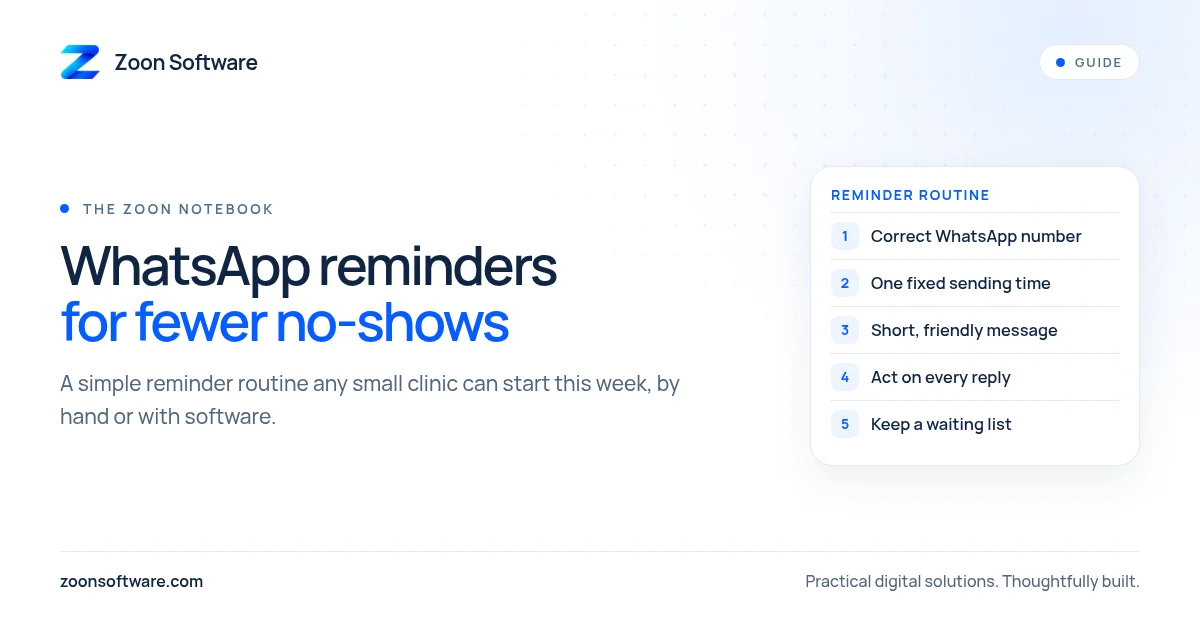
Step 1: Collect the right number, every time
Reminders only work if you have a correct WhatsApp number for each patient. At booking, the receptionist should ask: "Is this number on WhatsApp?" Write it down clearly, and for children or elderly patients, note whose number it is (for example, "son" or "mother").
Also ask once for permission: "We send a reminder the day before your appointment. Is that okay?" Most patients will be happy to say yes, and asking first keeps things respectful.
Step 2: Decide when to send
Keep the timing simple and the same every day, so it becomes a habit:
- The day before: one reminder in the afternoon or early evening for all of tomorrow's appointments.
- On the day (optional): a short message in the morning for afternoon or evening slots.
Choose one fixed time for sending, such as 5 pm, and give the job to one named person. When "everyone" is responsible, nobody does it.
Step 3: Write a short, friendly message
Patients should understand the message in a few seconds. Include the clinic name, the doctor, the date and time, and a simple way to reply. For example:
Assalam o Alaikum. This is a reminder of your appointment with Dr. [Name] at [Clinic Name] tomorrow, [Day], at [Time]. Please reply 1 to confirm or 2 if you need to change the time. Thank you.
You can also prepare an Urdu version for patients who prefer it. Keep a few ready-made messages saved, so reception does not type them from scratch each time. The WhatsApp Business app lets you save "quick replies" for exactly this purpose.
Avoid medical details in the message. "Your appointment with Dr. [Name]" is enough. Do not mention the test, the illness or the treatment, because other people may see the patient's phone.
Step 4: Act on the replies
A reminder is only half the job. The other half is what you do with the answers:
- Confirmed: mark it in the diary, for example with a tick.
- Wants to change: offer two or three other times right away, and update the diary.
- Cancelled: free the slot and call the next patient on your waiting list.
- No reply: a quick phone call is often worth it for important or long appointments.
If you use the WhatsApp Business app, labels such as "Confirmed", "Reschedule" and "No reply" help reception see at a glance who still needs attention.
Step 5: Keep a short waiting list
Reminders help you learn about cancellations earlier. To actually fill those slots, keep a simple list of patients who asked for an earlier time. When someone cancels, reception sends one message to the next person on the list. This turns an empty slot into a seen patient.
Step 6: Look back once a week
Once a week, spend ten minutes with the diary. Which days had the most missed appointments? Did patients without a reminder miss more often? Were some numbers wrong? Small fixes, such as checking numbers at booking or sending reminders a little earlier, make the routine better over time. You do not need perfect data; you just need to notice patterns.
When to move from manual to software
Sending reminders by hand works well when the clinic is small. As patient numbers grow, it starts to take real time from reception, and it is easy to miss someone on a busy day.
This is where clinic software helps. When appointments live in one system instead of a paper diary, the list of tomorrow's patients is ready in one click. Reminders can be prepared from the same list, confirmations can be marked against each appointment, and the owner can see missed appointments without counting pages. For fully automatic WhatsApp messages, clinics usually connect to the official WhatsApp Business Platform, which has its own setup and approved message templates, so it is worth planning that step with your developer.
See how it can look
We built MediZoon, a demo clinic management system, to show how appointments, patient records, billing and staff access can work together in one place. It is a demo with sample data, not a live clinic, and you can try it yourself at medizoon.zoonsoftware.com. You can also read how we approached it on our work page.
Start with the manual routine this week: correct numbers, one fixed sending time, a friendly message and a clear way to handle replies. If you later want a system that fits the way your clinic already works, we are happy to talk it through. Email us at contact@zoonsoftware.com or use our contact page.